Uganda Visa and Entry Requirements Guide
You are planning a safari to Uganda, or perhaps you have even booked it! The tour is all set, the tickets are secured, and the preparations can begin. Before you actually board the plane, you still need to arrange a visa. Below, we will provide you with as much information as possible to help you apply for this Uganda visa.
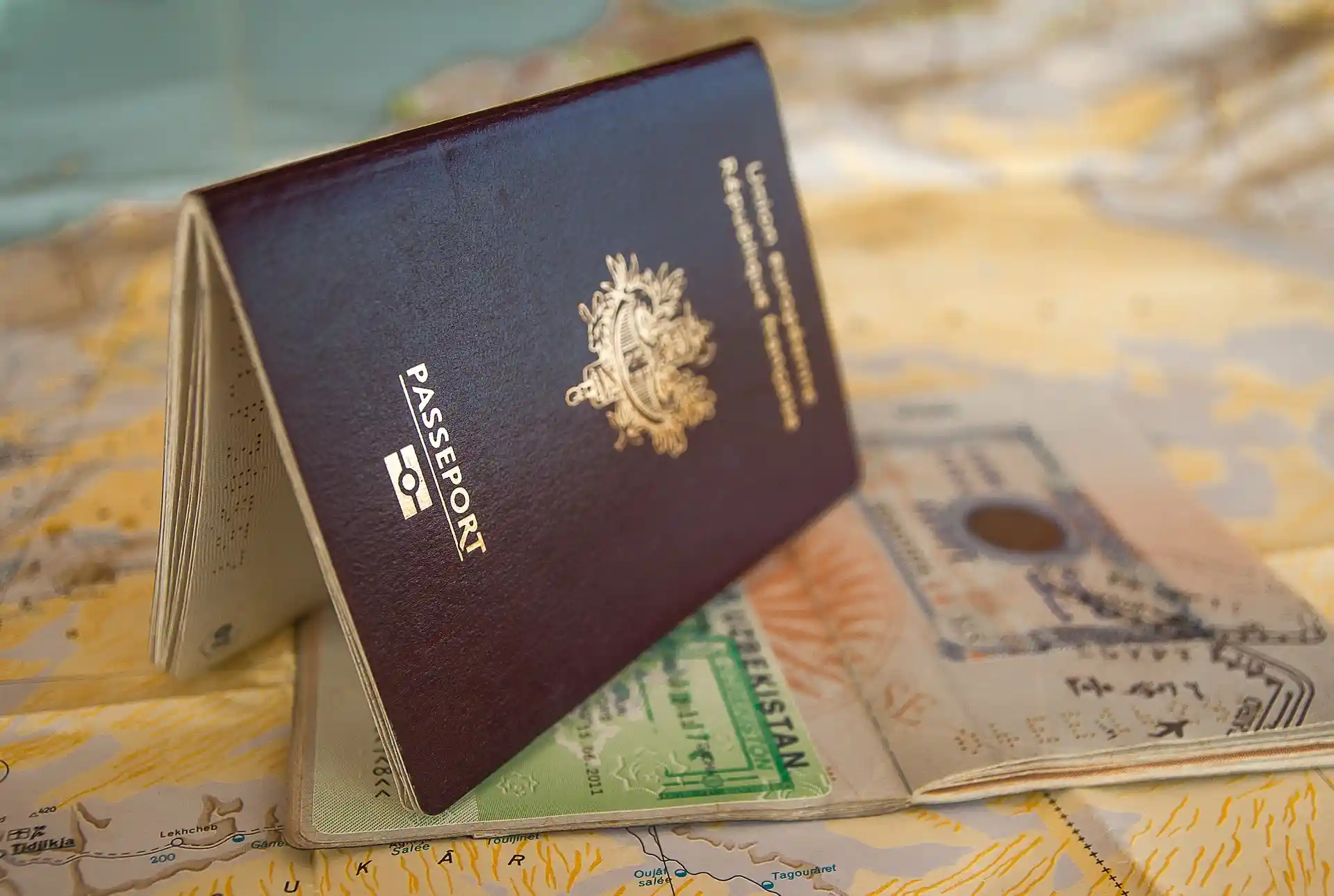
Who Needs a Visa to Visit Uganda?
Most travelers need a visa to enter Uganda. This includes visitors from the United States, the United Kingdom, Germany, France, Canada, and Australia. A few African countries and some other nations are exempt (Uganda Visa exempt countries).
If you need a visa, you must apply online before traveling. The application is done through the official immigration portal. During the process, you will also pay the visa fee by credit card: US$50 per person plus a 3% commission. After completing the application and payment, you will receive an Approval Letter. Bring this letter with you when you travel to Uganda. Your visa will then be stamped in your passport when you arrive at Entebbe International Airport. Each traveler must apply individually.
The Approval Letter is usually valid for three months. This means you must enter Uganda within that period. For example, if your trip starts on September 1, you should not apply before June 1. At the same time, do not apply too late. Applying about one month before your trip is usually ideal. The visa itself becomes active when you arrive in Uganda. From that moment, the number of allowed days begins. For example, a 30-day visa starts counting on the day you enter the country.
Personal responsibility
According to our booking terms and conditions, every traveler is responsible for having the correct travel documents. This includes passports, visas, and any other required permits. If you travel without the proper documents, any costs or problems that arise will be your own responsibility. Greenway Nature Tours cannot be held responsible for the outcome of a visa application. The approval or rejection of a visa is entirely the responsibility of the traveler.
Uganda Visa Types
Uganda Single-Entry Visa
If you are visiting Uganda only, you can apply for a single-entry visa online. This visa is valid for 30 days. Once your application is completed, paid, and approved, you will receive a Letter of Approval. You can use this letter to get the visa stamped in your passport when you arrive in Uganda.
East Africa visa starting in Uganda
If your trip begins in Uganda and continues to Rwanda and/or Kenya, you can apply for an East Africa visa online. This visa is valid for 90 days. Once your application is completed, paid, and approved, you will receive a Letter of Approval. You can use this letter to get the visa stamped in your passport when you arrive in Uganda.
Important notes:
- Apply no earlier than three months before your trip. Each traveler must complete a separate application.
- The visa must be applied for in the country where your journey starts. If you begin in Kenya or Rwanda, apply through that country’s immigration system.
- The East Africa visa is valid only for Uganda, Rwanda, and Kenya. It expires once you leave any of these countries. Traveling to Tanzania, for example, requires a new visa.
Visa costs
- Single-entry Uganda visa: US$50 per person + 3% processing fee. Valid for 30 days.
- East Africa visa: US$100 per person + 3% processing fee. Valid for 90 days and allows multiple entries within the countries covered by the visa.
Valid passport
To enter Uganda, your passport must be valid for at least six months after your arrival. Make sure it has at least two blank visa pages for stamps.
Other requirements
- You must have a return or onward ticket.
- You may need to show proof of sufficient funds (cash or credit card).
- Yellow fever vaccination may be required.
Traveling with minor children
Since 2012, every child must have their own passport. Children cannot travel under a parent’s passport. Rules are stricter outside the Schengen Area, especially if one or both parents are not traveling. Check the entry requirements for all countries you pass through on your journey.
Comments from the Ugandan Immigration Service
- Please fill in all information correctly. This includes your names according to your passport, dates, number of days before the visa application, passport number, date of birth, etc.
- Please review it again carefully before pressing the send button at the end.
- If it turns out you made a mistake, you may have to resubmit the application and pay again (unfortunately, no refund of previously incurred costs is possible).
- Your application will only be processed after you pay the application fee. Payment does not guarantee your visa application will be approved. You should continue to check your status to see if anything needs to be adjusted or added.
Apply for a Uganda visa - A step-by-step plan
Important addition
Ugandan embassies no longer issue visas in person. All visa applications must now be submitted online. The e-visa system can be slow and overloaded, which may cause delays in confirmation. We will do our best to help, but the final process depends on Uganda Immigration.
Step-by-step guide
- Visit the Uganda E-Immigration System website: www.visas.immigration.go.ug
- On the home page, click “Start new application.”
- Read the Disclaimer and click “Accept.”
- A menu will appear. Fill in the options:
- Visa or permit type: select Visa
- Category:
- Choose Uganda Ordinary/Tourist Visa if visiting only Uganda.
- Choose East Africa Tourist Visa if traveling to Uganda, Rwanda, and/or Kenya.
- Subcategory:
- If you chose Uganda Ordinary/Tourist Visa, Single Entry will appear automatically.
- If you chose East Africa Tourist Visa, East Africa Tourist Visa will appear.
- Check the list of required documents. Scan them or take a clear photo. Acceptable formats: PDF, JPEG, PNG, BMP. Maximum file size per document: 250KB.
- Upload your documents when prompted.
Tips for a smooth application
- Apply well in advance to allow for delays.
- The site may be slow or temporarily malfunction. You might need to try again later.
- Track your application using your Application ID, date of birth, and passport number.
- Keep an eye on email notifications, as confirmations may be delayed.
Required Documents
Depending on the type of visa, you will need the following documents:
- Passport copy – bio data page
- Recent passport-size photo
- Yellow Fever vaccination certificate
- Return or onward ticket
- Itinerary/Tour plan – required for the East Africa Tourist Visa. You can use your travel documents; save them as a separate PDF before uploading.
- Parental consent letter for minors – required if traveling with a child. This letter must be in English and include the travel period, full names, passport numbers, place and date of birth for both the child and parents.
Note: In rare cases, Uganda may also ask for a return ticket or itinerary for a Uganda Ordinary Tourist Visa. This happens occasionally and unpredictably.
At the bottom of the Uganda e-visa page, you will see the payment section.
- Payment: Must be made online by credit card.
- Next Step: Click on ‘Next Step’ to continue.
- You will see fields marked with an asterisk (*). Complete all of them carefully:
- Have your valid passport ready, as you will need the details.
- Enter all information accurately. Names must match your passport exactly.
- For letters with special characters like Ö, write it as OE.
- Given names: first names exactly as in your passport
- Surname: exactly as in your passport
- Contact in Uganda: for example, Greenway Nature Tours
- Traveling with minors: You may need a parental consent letter in English. Include: travel period, full names, passport numbers, places and dates of birth of the child and parents. This applies to both Uganda Ordinary and East Africa Tourist Visas.
- Point of entry:
- Usually Entebbe International Airport for air arrivals
- Cyanika if traveling overland from Rwanda
- Check carefully if entering from another point
- Verification: After filling all fields, check that everything is correct. Tick ‘I’m Not a Robot’ and follow the instructions. Click Next Step.
- Upload documents: Each file must be 5 KB – 250 KB. After uploading, a summary page appears. Review carefully:
- Names spelled correctly
- Passport numbers and dates of birth correct
- Visa type and dates correct
- Print the summary for your records before submitting. Once submitted, changes are not possible.
- Submit: Click ‘Submit’. You will see: “YOUR APPLICATION WAS SUBMITTED SUCCESSFULLY”.
- Important: Save your Application ID. Print or screenshot this page. You may need it to track your application later.
Visa Payment
- Payment method: You must pay online with a Visa or MasterCard.
- How to pay:
- Click “PAY” at the bottom of the application page.
- A pop-up screen will appear showing the amount including 3% commission.
- Enter your credit card details:
- Card number
- Card type (Visa or MasterCard)
- Expiry date
- Cardholder name
- Security code
- After payment, you’ll return to your application page. Click the red “FINISH” button to complete the submission.
- Important: Your visa application will only be processed after payment. If payment is not made, the application will expire, and you must start again.
- Confirmation: You will receive an email soon after, usually with the message “Application Received” (check spam/junk mail too). Within 1–3 days, you should receive a confirmation “Application Approved” with your Approval Letter attached.
- Approval Letter:
- Read the instructions carefully.
- Print the letter and bring it with the other requested documents on your trip.
- Upon arrival in Uganda, the visa will be affixed/stamped in your passport.
- System notes: Occasionally, the system may show minor anomalies, like differences in the number of days on the Approval Letter. As long as the visa duration covers your stay in Uganda, this is not an issue.
Didn't receive anything?
Sometimes, visa applications are rejected or emails do not arrive. The exact reason is often unknown, but this can happen. You can check your application status yourself on the Uganda immigration website. You can also upload any missing documents there. To check, you will need:
- Application ID number
- Passport number
- Date of birth
Note: The system may initially only allow birth years back to around 1958. If you were born earlier, don’t worry. Enter a temporary year, for example, 1960, along with the correct month and day. Press Enter. Then update the year to your correct birth year and reselect the correct month and day. This fixes the date issue easily and allows you to continue your application.
Our Best Safaris In Uganda
Greenway nature tours
We are a fully licensed tour company accredited by the Uganda Tourism Board. We design and operate safaris in Uganda and East Africa. Our operations are based in Kampala, Uganda, the heart of our safari planning and coordination. Though our company was officially established in 2025, our team brings deep, hands-on knowledge of East Africa.
Destinations
Favourite Tours
Help & Info
- About us
- Travel Blog
- Travel FAQS
- Gorilla Permits Bookings
- Contact Us
- Pay Online